








Mobile bank transfer casinos secure smartphone browser payments with TLS encryption
Mobile bank transfer casinos protect browser payments through Transport Layer Security encryption and direct Open Banking redirection.
| Mobile Browser | Open Banking Handoff | Pop-Up Redirect Handling | Biometric Passkey Support |
|---|---|---|---|
| iOS Safari | Direct universal link to UK banking app | Blocks return tab if cross-site tracking is disabled | Full Face ID and Touch ID authentication |
| Android Google Chrome | Instant app intent launch to banking software | Allows return redirect when pop-up exceptions are set | Android fingerprint and screen lock passkeys |
| Samsung Internet | Manual prompt before opening external banking app | Strict smart anti-tracking can pause return callbacks | Samsung Pass biometric verification |
| Mobile Firefox | Requires permission to leave browser for banking app | Enhanced tracking protection blocks automatic tab switches | System-level biometric unlock only |
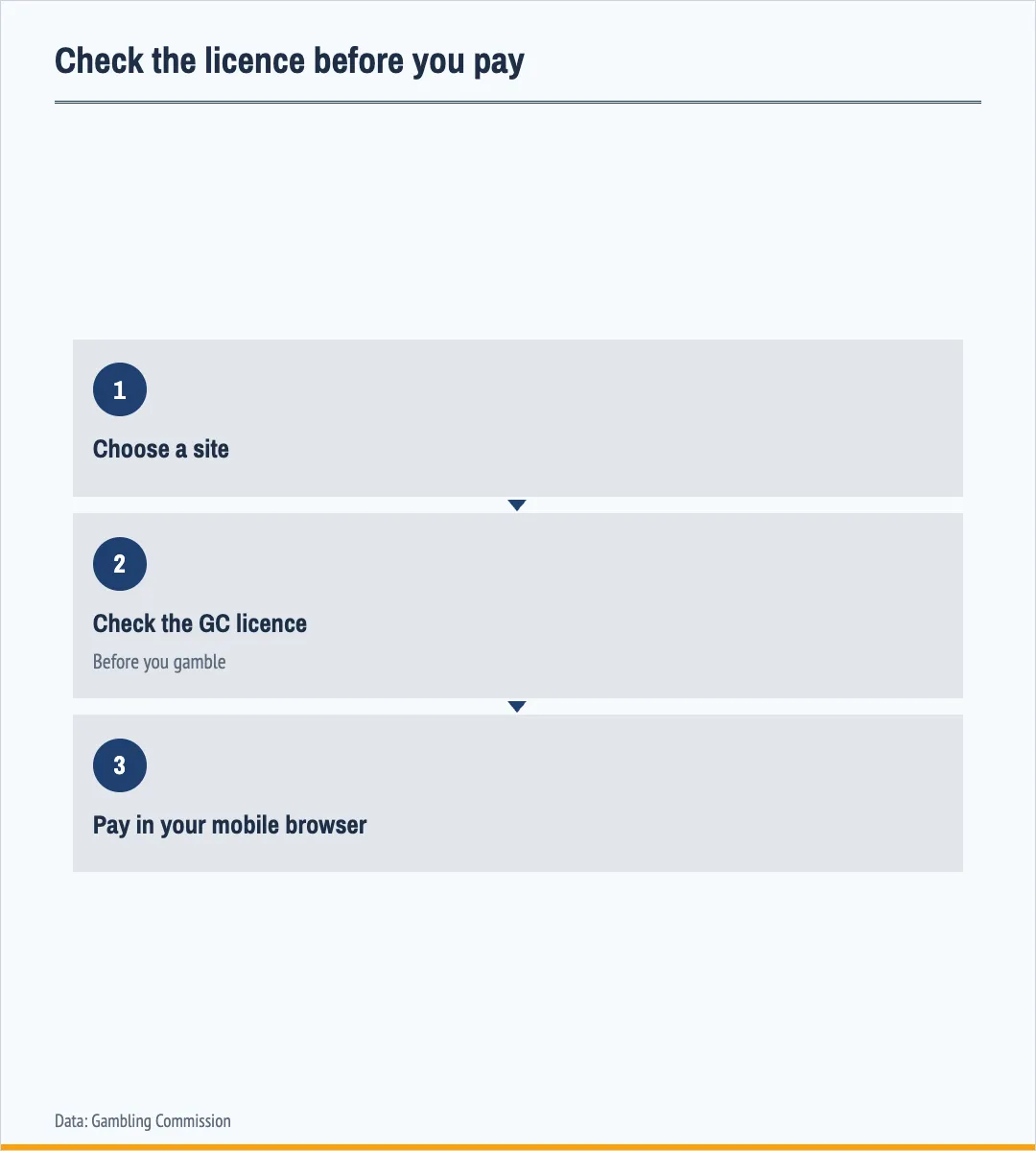
Instead of storing sensitive banking credentials inside a mobile browser tab, the cashier generates a single-use token and hands the session over to your official UK banking app. Before initiating any mobile casino banking transaction, players should verify that the operator displays an active Gambling Commission licence on the homepage footer.
This browser-to-app architecture supports real-time Faster Payments 365 days per year while keeping your login details isolated from the gambling website. For players who prefer dedicated software over browser tabs, our guide to app bank transfer casinos compares standalone installations.
HTML5 mobile cashiers connect directly to UK banking apps without casino downloads
HTML5 mobile cashiers trigger installed UK banking apps through operating system deep links without requiring a separate casino software download.
Because the Gambling Commission prohibits credit card payments for gambling, these browser interfaces route debit account funds straight through the Faster Payment System, which has operated since 2008. Players save device storage space and confirm every direct banking deposit using their phone's native biometric scanner.
Public Wi-Fi networks expose mobile casino bank transfers to session hijacking
Authorising a casino bank transfer over public Wi-Fi exposes your mobile browser session to packet sniffing and man-in-the-middle interception.
Shared hotspots in cafes, trains, or airports allow attackers on the same router to spoof DNS responses or capture unencrypted return callbacks between the payment gateway and the casino cashier. Furthermore, landing on an unlicensed site via a compromised network carries severe data protection risks, including identity theft and blocked payouts.
Players should inspect the browser address bar for a valid security certificate and review our checklist for the safest bank transfer casinos before moving funds.
Switching to encrypted 4G or 5G mobile data protects your banking token
Disabling Wi-Fi and using a personal 4G or 5G cellular connection isolates your Open Banking token from local network eavesdropping.
Mobile carrier networks encrypt traffic between your handset and the base station, ensuring that your payment authorisation reaches a business protected by Great Britain consumer rules without local router interference.
Signal drops during a mobile bank transfer never cause duplicate account debits
Losing 4G or 5G reception mid-transaction does not debit your bank balance twice because UK payment gateways attach a unique idempotency key to every request.
If your smartphone signal drops while switching between your banking app and the mobile browser, the Faster Payment System either completes the single authorised transfer or cancels the expired token. Even though the network infrastructure supports individual payments of up to 1 million pounds, your bank processes only the specific transfer reference you approved with your biometrics.
Refreshing the browser cashier or tapping the back button repeatedly can create a new unpaid request, so players must check their mobile banking app statement first before attempting another deposit.
One-tap copy buttons on mobile casino cashiers prevent sort code and reference typos
Built-in copy buttons inside the mobile cashier eliminate manual typing errors when transferring funds via a six-digit sort code and eight-digit account number.
- Tap the cashier copy icon next to the six-digit sort code field.
- Paste the copied digits directly into your mobile banking app payee screen.
- Copy the unique alphanumeric payment reference without adding extra spaces.
- Verify the recipient company name matches the licensed operator before confirming.
Typing long alphanumeric payee references on a small smartphone touchscreen often leads to transposed characters, which prevents the operator's automated ledger from matching your incoming Faster Payments deposit. If a manual wire transfer or BACS deposit remains uncredited due to a reference mistake, players must first complain directly to the gambling business and allow up to 8 weeks before escalating the issue to an Alternative Dispute Resolution provider.
Using the one-tap clipboard function ensures that the exact payee details and unique transaction code paste cleanly into your mobile banking app.
Dynamic QR codes hand off desktop casino bank transfers safely to your smartphone
Scanning a dynamic QR code on a desktop cashier transfers the Pay by Bank session securely to your smartphone for biometric approval.
This cross-device workflow avoids typing online banking passwords on a shared computer and uses your phone's camera to launch the installed banking app directly. Because individual banks and payment organisations set their own transaction limits for Faster Payments, the mobile app displays your exact available allowance before you authorise the transfer.
Checking the official gateway domain after scanning a QR code stops phishing redirects
Inspecting the preview URL on your smartphone screen after scanning a QR code protects you from fraudulent payment redirects.
Under the Gambling Act 2005, providing gambling facilities to consumers in Great Britain without a Gambling Commission operating licence is illegal, so players must confirm the QR link points to a regulated Open Banking gateway before authenticating.
Strict pop-up blockers in Safari and Chrome can stall mobile bank transfer returns
Aggressive pop-up blockers and private browsing modes in Safari or Chrome frequently interrupt the return callback from your banking app to the mobile casino. A GAMSTOP exclusion works at account level, so it applies in Safari and Chrome as much as on a desktop, and licensed operators have had to join since 31 March 2020.
| Mobile Browser Issue | What Happens to the Transfer | Immediate Player Check | Browser Fix |
|---|---|---|---|
| Safari pop-up blocked on return | Bank debits funds but casino tab stays on loading screen | Verify completed status inside your UK banking app activity log | Disable Block Pop-ups in iOS Safari settings for the cashier domain |
| Private/Incognito cookie loss | Session token expires during app switch and cancels payment | Check that no money left your bank account balance | Use a standard browser tab so session cookies persist across apps |
| 4G/5G signal timeout | Gateway drops connection before biometric approval finishes | Inspect pending payments list in your mobile banking app | Wait for stable cellular signal and generate a fresh cashier token |
| Location mismatch block | Casino or bank rejects the transfer due to foreign IP address | Confirm whether the payment request was declined immediately | Disable smartphone proxy software before opening the mobile cashier |
When the banking app finishes authenticating your payment, it sends a confirmation token back to the original browser tab; if that tab was closed, opened in incognito mode, or disrupted by an IP address mismatch, the visual balance update can stall. Players should remember that an Alternative Dispute Resolution provider will not accept complaints regarding customer service issues, so resolving browser redirect glitches requires checking your bank ledger first.
Adjusting four standard browser settings prevents return errors and keeps your mobile casino banking session connected.
Smartphone browser cashiers enforce the same KYC checks and limits as desktop sites
Withdrawing funds through a smartphone browser triggers the exact same Know Your Customer identity and source-of-funds verifications required on desktop platforms.
Because a foreign gambling licence does not permit an operator to serve consumers in Great Britain, UK-regulated mobile sites must verify your age, address, and bank account ownership before releasing CHAPS, BACS, or Faster Payments payouts. Customer gambling winnings in Great Britain remain 0 tax-free regardless of the amount won, as tax applies to the operator's Gross Gambling Yield instead.
Using your smartphone camera to upload clear, uncropped PDF bank statements or utility bills directly inside the mobile browser speeds up compliance approval before your first withdrawal.
Clearing mobile browser autofill data protects your account on shared devices
Purging saved passwords and browser autofill data after a mobile session prevents unauthorised access to your casino account if another person uses your handset.
- Log out of the mobile casino cashier immediately after confirming your balance.
- Disable browser password saving for gambling domains in Safari and Chrome.
- Clear cached session cookies if you accessed the site on a shared tablet or phone.
- Enable Face ID or fingerprint locks on your banking app and device lock screen.
While Open Banking never stores your bank login inside Safari or Chrome, keeping an active casino session open allows anyone holding the unlocked phone to view your personal details or request a payout back to your linked sort code.
Logging out manually after every session and requiring biometric authentication for browser password managers keeps your mobile banking activity private.